 付款。
付款。
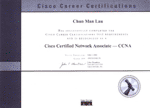
Cisco Systems 是全球最大的網路設備製造商,其交換器、路由器及IOS / IOS XE作業系統等產品,是各大企業、銀行、不少政府機構的網路基石。因此,管理 Cisco 網路設備已成為 IT 界專業領域,而 CCNA (Cisco Certified Network Associate) 認證正是證明你具備此專業能力的權威憑證。
本中心的 CCNA Fast Track 課程,由 擁有 3x CCIE 頂級認證的資深導師 Franco Tsang 主理,助你快速並穩固地取得認證:
- 精準對焦考試: 導師嚴格依照 Cisco 官方最新公佈的 2027 "Exam Topics" 大綱教授,確保課程均直接針對考試範圍。
- 智取實戰題: 面對不可死背的「實戰題」,導師會在課堂內傳授邏輯分析與解題策略,教你如何「智取」而非「死背」,輕鬆駕馭實戰題。
- 課堂即時Lab,有問即答: 課堂中導師會安排學員進行實作演練,模擬真實考試的實戰題環境。遇到疑問可「即刻問」,即時解決,確保學習不中斷。
- 全天候自主實習 (7x24 Lab): 除課堂時間外,我們更為學員提供 7x24 小時全天候開放的 Lab 環境。不論在家或任何地方,均可隨時登入練習,靈活配合你的生活節奏。
- 模擬試題 + 實戰技巧 = 輕鬆過關: 課程提供模擬試題,配合課堂上已掌握的實戰題應對技巧,讓你以最佳狀態應考,事半功倍,輕鬆達標。
課程名稱: CCNA 國際認可證書課程 (Fast Track) (200-301) (v2.0)
- 簡稱:CCNA Training Course (Fast 200-301 v2.0)課程時數: 課堂 42 小時 (共 14 堂),一人 3 部 Routers、3 部 Switches、Python、Ansible 及 Linux VM 於課堂內進行實習 適合人士: 對電腦網路安裝及使用有基本認識或有志投身 I.T. 界的人士 授課語言: 以廣東話為主,輔以英語 課程筆記: 本中心導師親自編寫英文為主筆記,而部份英文字附有中文對照。

只要你於下列科目取得合格成績,便可獲 Cisco 頒發 CCNA 國際認可證書:
|
本中心為Cisco指定的CCNA考試試場,報考時請致電本中心,登記欲報考之科目考試編號、考試日期及時間 (最快可即日報考)。 臨考試前要繳付考試費 (見上表),及必須出示下列兩項有效之身份證明文件,否則考生不可進行考試,而已繳付之考試費亦不會退回: 考試題目由澳洲考試中心傳送到你要應考的電腦,考試時以電腦作答。所有考試題目均為英文,而大多數的考試題目為單項選擇題 (意即 O) 或多項選擇題 (意即 口),其餘則為拖拉題及實戰題。作答完成後會立即出現你的分數,結果即考即知!考試不合格便可重新報考,不限次數。欲知道作答時間、題目總數、合格分數等詳細考試資料,可瀏覽本中心網頁 "各科考試分數資料"。 |
| 課程名稱:CCNA 國際認可證書課程 (Fast Track) (200-301) (v2.0) - 簡稱:CCNA Training Course (Fast 200-301 v2.0) |
1.0 Network Infrastructure and Connectivity
1.1. OSI Reference Model & TCP/IP Model
1.2. Ethernet Concepts
Switching Design
Cable Types, Pin out, Copper/Fiber Optic Cables
Half-duplex / Full-duplex, Collisions, Errors, Mismatched Duplex
Speed, Distance, Interface, Signal Levels
1.3. Switching Concepts
MAC Address Table (Learning & Aging)
Collision & Broadcast Domain
1.4. IPv4 Addressing
Structure of IP Address & Binary Number
Public vs. Private IP Addressing
Subnetting & VLSM
1.5. IPv6 Addressing
Address Types & Representation
Modified EUI-64 & SLAAC
IPv6 Assignment and Prefix Sizing
1.6. TCP/UDP Protocols
Transmission Control Protocol (TCP)
User Datagram Protocol (UDP)
Address Resolution Protocol (ARP)
Internet Control Message Protocol (ICMP)
2.0 Switching
2.1. VLANs & Trunking
Normal Range VLANs, Access/Trunk Ports, 802.1Q, Native VLAN
Voice VLAN
Switch Virtual Interface (SVI)
Switch-to-Switch & Switch-to-Router Connectivity
Edge-host connectivity: Desktop, Printer, IoT, Virtualized hosts, Network appliances
2.2. Spanning Tree Protocol
Rapid PVST+ (Root Bridge, Root Port, Port States)
PortFast, BPDU Guard, BPDU Filter, Root Guard, Loop Guard
2.3. EtherChannel
LACP (Layer 2/Layer 3)
2.4. Layer 2 Security Features
Port Security
DHCP Snooping
Dynamic ARP Inspection (DAI)
Storm Control
RA Guard
DTP Security & VLAN Hopping Attacks
2.5. Network Discovery Protocols
CDP & LLDP
2.6. Troubleshooting Layer 2
show commands, show logs, ping, extended ping, traceroute, packet capture
3.0 IP Routing
3.1. Cisco Router Overview
Memory, Booting, Interfaces
3.2. Basic Router Management
CLI, Configuration Management, SSH
3.3. Static Routing
Default Route, Network Route, Host Route
Floating Static Route
3.4. InterVLAN Routing
Router-on-a-stick & L3 switches
3.5. Dynamic Routing Concepts
Administrative Distance (AD) & Metric
3.6. OSPF
OSPFv2 (IPv4) & OSPFv3 (IPv6)
Neighbor Adjacencies (Point-to-point, Broadcast, DR/BDR)
Router ID
3.7. First Hop Redundancy Protocols
HSRP & VRRP
3.8. Interpret Routing Table
next hop, prefix/mask, AD, metric, default route
4.0 Network Services and Security
4.1. DHCP
Server, Client, Relay
4.2. DNS
A, AAAA, CNAME, MX, NS, PTR Records
4.3. NTP
Client/Server Mode
4.4. NAT/PAT
Static NAT, Dynamic PAT
4.5. Access Control Lists
Standard / Extended ACLs (Numbered & Named)
Inbound / Outbound
4.6. Device Management Security
Local Usernames & AAA (TACACS+ / RADIUS)
Secure File Transfer – SFTP/SCP
4.7. VPN
IPsec Remote Access & Site-to-Site (protocols and transport modes)
4.8. Security Fundamentals
Firewall & Intrusion Prevention System (IPS)
IEEE 802.1x
5.0 AI, Network Operations and Management
5.1. Network Virtualization (Hypervisors, Virtual Machines, Containers)
5.2. AI in Network Operations
Agentic AI
5.3. Generative AI for Network Operations
Prompt Engineering (data classification, output format, persona, instructions)
5.4. Network Management Approaches
Device-based, Cloud-based, Controller-based
Automation-based & Infrastructure as Code (IaC)
5.5. SNMP
Function & Operation
5.6. Configuration Management
Ansible
5.7. Syslog
Severity Levels & Facilities
5.8. Cloud-managed network devices
6.0 Wireless Networking
6.1. Wireless Principles
Band and Channel Selection (non-overlapping channels)
RF Characteristics and Causes of Interference
6.2. Wireless Security Protocols
6.3. Wireless Architecture
Controller-Based Wireless Architecture, WLC Ports
Layer 2 Frames for Wireless Network
6.4. Configure Cisco Wireless Network
7.0 QoS
7.1. QoS Overview
7.2. Marking & Classification
7.3. Congestion Management
Queuing, Scheduling, Shaping, Policing
7.4. QoS Setup on Cisco Router
8.0 Network Topology Architectures
8.1. 2-Tier / 3-Tier
8.2. Spine-leaf
8.3. SOHO (Small office/home office)
8.4. WAN (Wide Area Network)
8.5. On-premises & cloud
9.0 Miscellaneous
9.1. EIGRP (Enhanced Interior Gateway Routing Protocol)
9.2. BGP (Border Gateway Protocol)
9.3. GRE / 6to4 tunnelling
9.4. IP SLA
The course content above may change at any time without notice in order to better reflect the content of the examination.
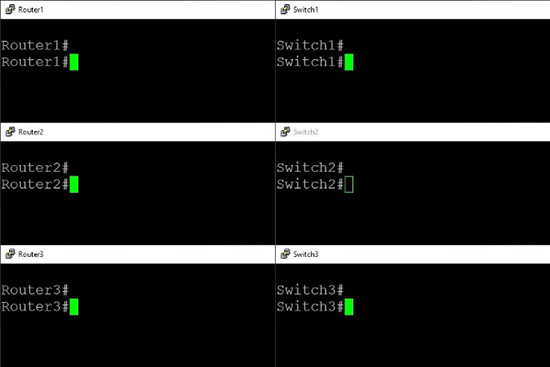
學員會於課堂內每人控制 3 部 Cisco Routers 及 3 部 Cisco Switches 進行實習。
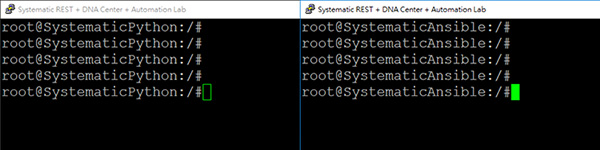
學員會於課堂內使用 Python、Ansible 及 Linux VM 進行實習。
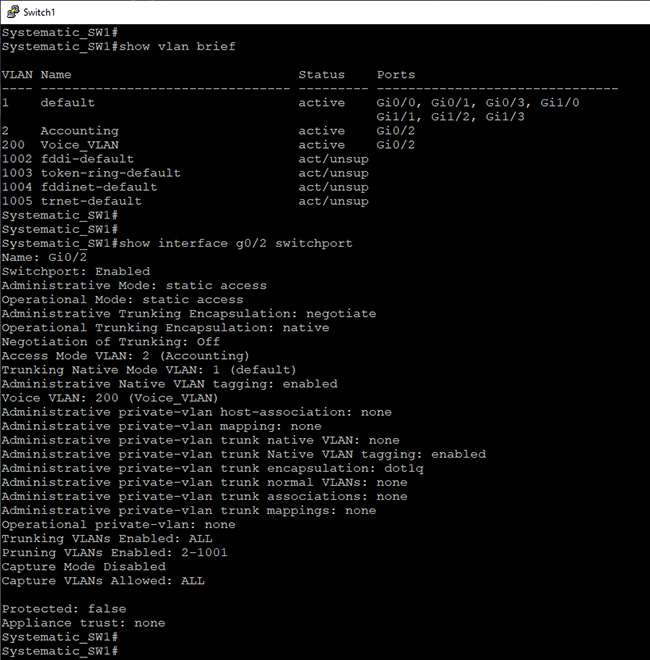
- Configure Layer 2 switch port attributes for edge-host connectivity (VLAN)
- Configure network infrastructure connectivity (Layer 2 802.1Q trunk interfaces)
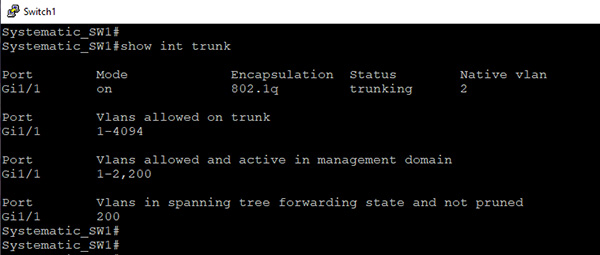
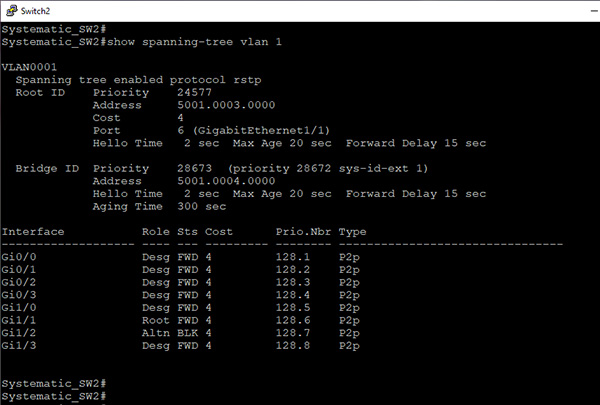
- Configure operations of the Rapid Per VLAN Spanning Tree Protocol (Rapid PVST+) (Root port, root bridge (primary/secondary), and other port names, Port states and roles)
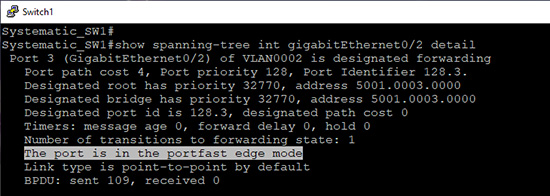
- Configure operations of the Rapid Per VLAN Spanning Tree Protocol (Rapid PVST+) (PortFast, Root guard, loop guard, and BPDU guard)
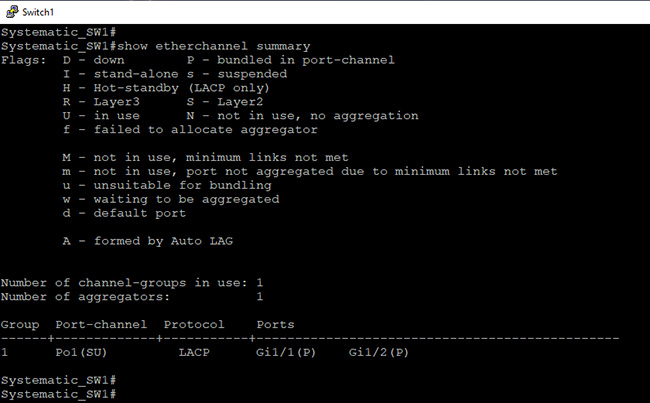
- Configure network infrastructure connectivity (Layer 2/Layer 3 LACP port-channel/EtherChannel)
- Validate the accuracy of network documentation using CDP and LLDP
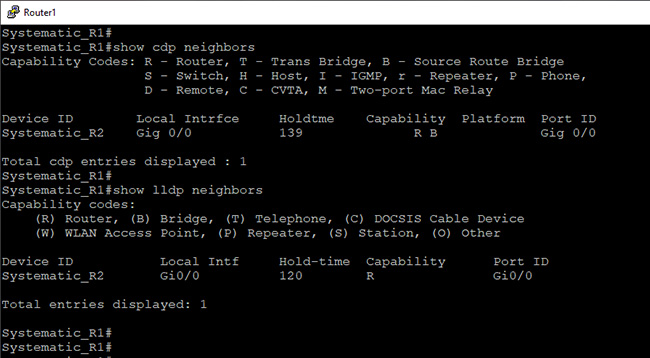
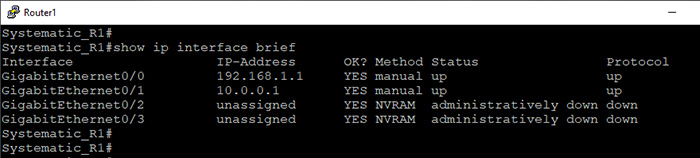
- Configure and verify IPv4 addressing and subnetting
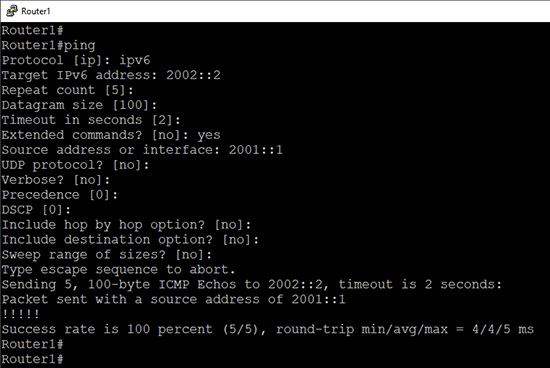
- Troubleshoot basic Layer 2/Layer 3 connectivity and device operations using show commands (including show logs), ping, extended ping, traceroute, and packet capture output
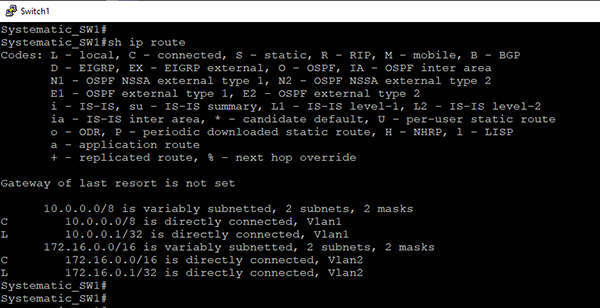
- Configure InterVLAN Routing: L3 Switch
- Configure InterVLAN Routing: Router-on-a-stick
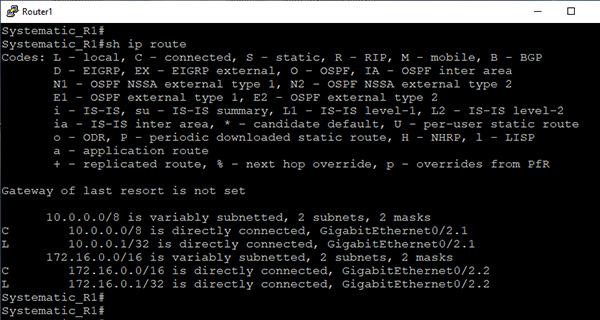
- Configure and verify IPv4 static routing, default route, network route, host route, and floating static (longest match, administrative distance)
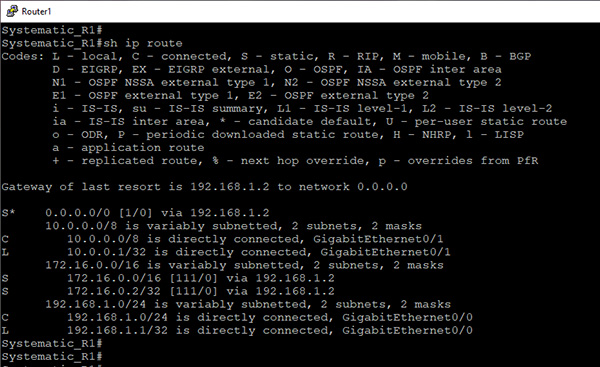
- Configure and verify single area OSPFv2, neighbor adjacencies, Broadcast (DR/BDR selection), Router ID. (longest match, administrative distance and routing protocol metric)
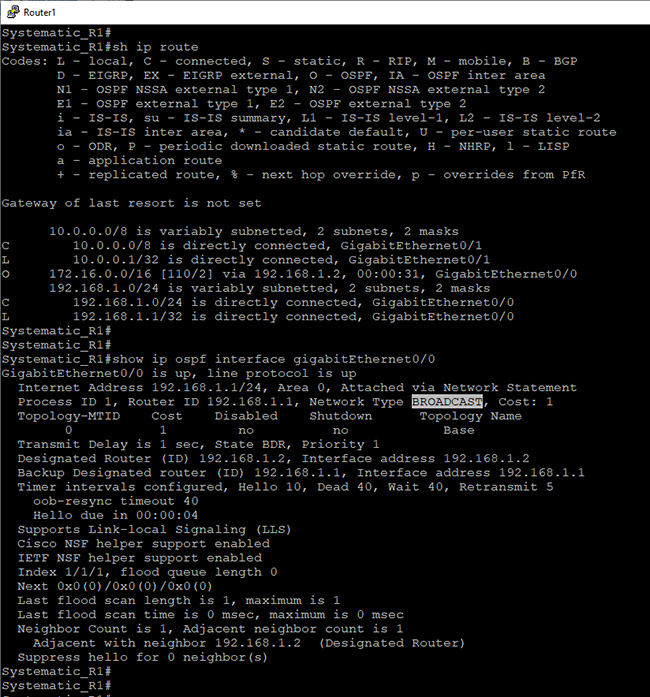
- Configure and verify single area OSPFv2, neighbor adjacencies, Point-to-point, Router ID. (longest match, administrative distance and routing protocol metric)
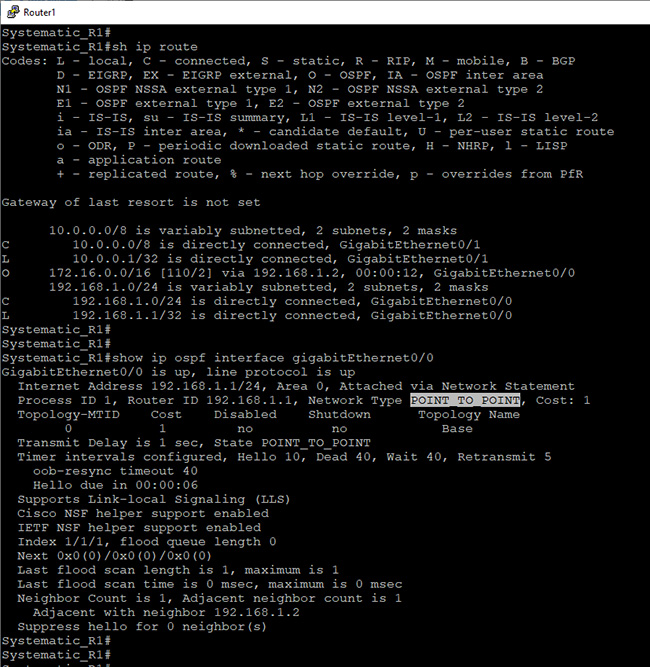
- Configure single area OSPFv3 for IPv6
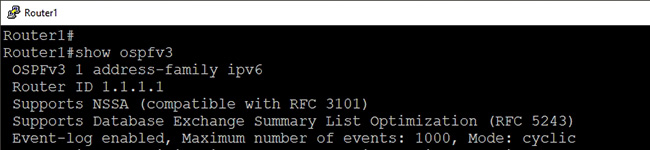
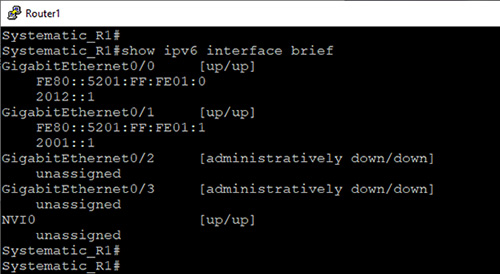
- Configure and verify IPv6 addressing and prefix
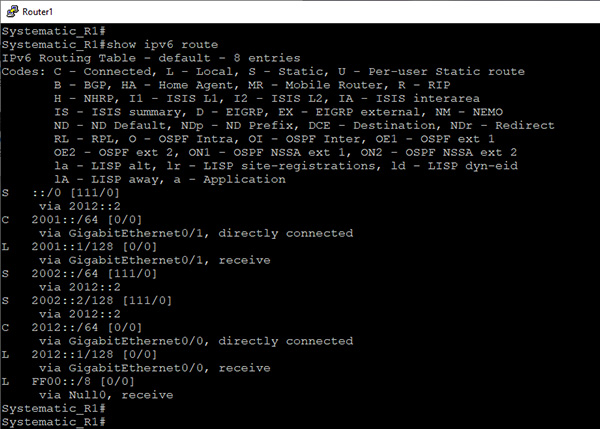
- Configure and verify IPv6 static routing, default route, network route, host route, and floating static (longest match, administrative distance)
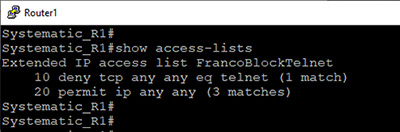
- Configure and verify access control lists (standard, extended, numbered, and named ACLs)
- NAT/PAT
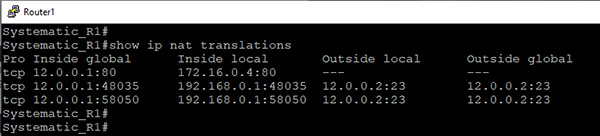
- Configure and verify DHCP server, client and relay

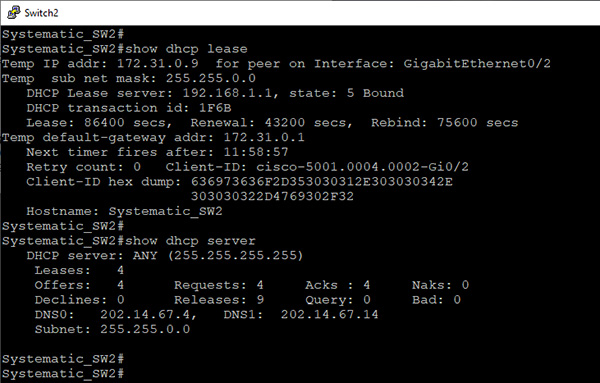
- Configure and verify NTP operating in a client and server mode
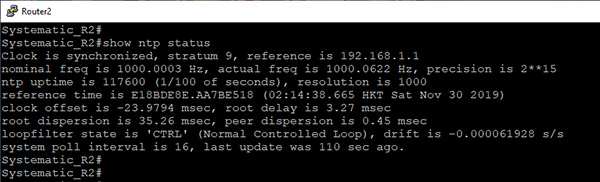
- Configure device access control using local passwords
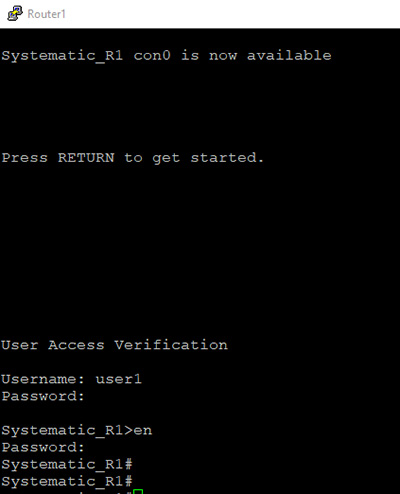
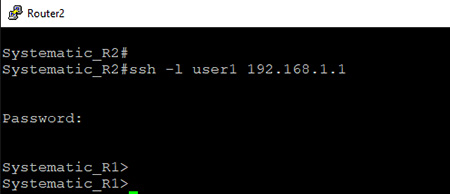
- Configure network devices for remote access using SSH
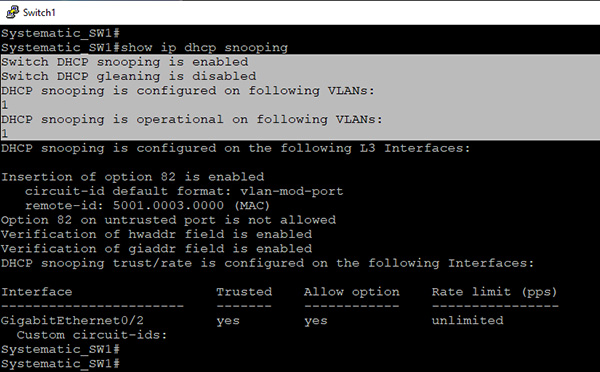
- Configure Layer 2 security features (DHCP Snooping)
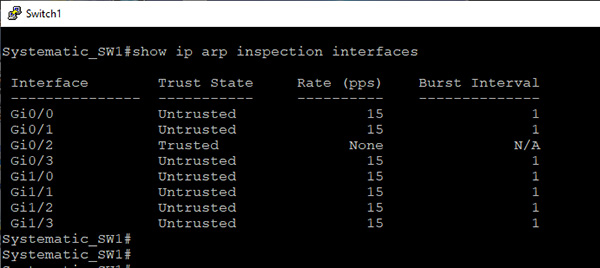
- Configure Layer 2 security features (Dynamic ARP inspection)
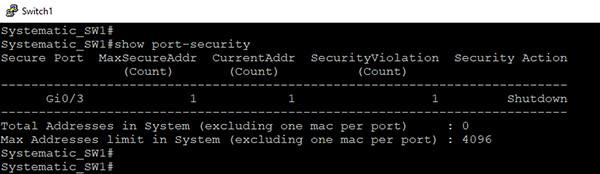
- Configure Layer 2 security features (Port security)
- 還有其他有趣實習 / Creative Lab Exercises
以下是成功取得 CCNA 認證的本中心部份學員名單:
......由於人數眾多,因此未能盡錄。 |
|
作出惡意抹黑並誤導消費者!
 真相 真相
請小心,這坊間機構已轉了名稱繼續營業!
真相
隨時:由課程開始日起計的 21 星期內,每星期 7 日,每日 24 小時。 隨地:於本中心上課時的課室、學員家中、甚至是離港旅遊時的住所等等地方。 任何瀏覽器:不論是 Windows PC、Macbook、iPad、Android 等等,只要有任何的一個網頁瀏覽器。 一套專屬於你的器材,來進行所有實習:學員透過上網接駁至雲端伺服器,便能個人獨享一套器材,而這套器材等同於課堂實習時所用的器材,故學員能完整地依照實習指引來進行所有實習。 而這套專屬於你的器材會有 3 部 Cisco Routers、3 部 Cisco Switches (而所用器材的型號均附合 CCNA 的考試要求)、Python、Ansible 及 Linux VM!
真相
|
 虛假失實指控 1

